
If your colors look different on every screen, sooner or later you search for “colorimeter price” and start thinking: why pay someone, when I can buy the tool and do it myself?
It’s a fair question. But a calibration device is a measuring tool, not a result. Getting accurate, reliable colors is a process: checking the panel, choosing the right targets for your work, measuring, building a profile, and verifying it in the light you actually work in. The device does one part of that. The rest is know-how.
What a calibration device does (and what it can’t)
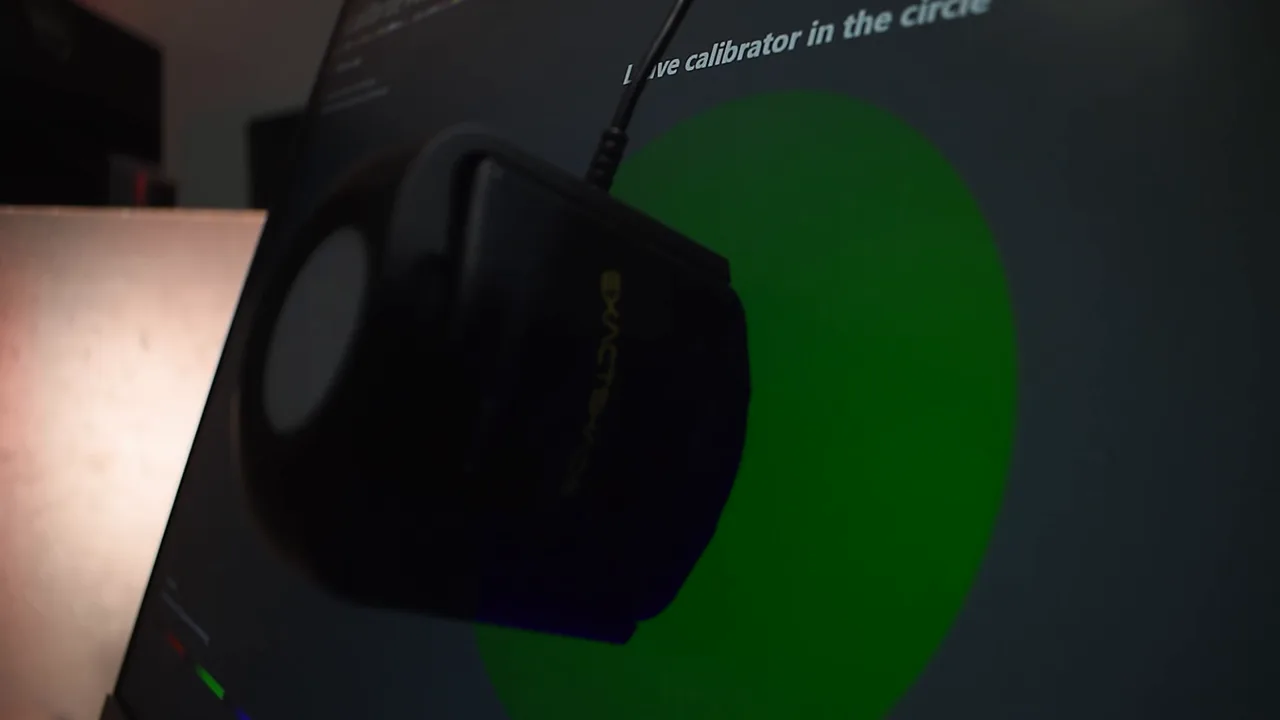
A consumer calibration device, often called a colorimeter, sits on your monitor and reads the colors the panel actually shows. Software then builds an ICC profile, a small file your computer uses to correct the colors on that specific monitor.
That’s useful. But on its own, the device can’t:
- Fix a weak or uneven panel. If one area of the screen is brighter or tinted, a profile can’t hide it. You first need to know it’s there.
- Choose the right targets for you. White point, brightness and gamma should match how and where you work: print, web, video, interior renders. The software asks; it doesn’t decide.
- Diagnose what’s around the monitor. Cables, graphics settings and operating system settings can stop a calibration from working at all.
One of our clients described exactly this in a Google review. Someone who came before us spent hours and told him calibration wasn’t possible because of a Windows problem. On our visit, the real cause turned out to be the original monitor cable, and the job took about half an hour.
«…كان في مشكله عندي في كابل الشاشه الاصلي وانا مكنتش اعرف بس هما عرفو وحلو الموضوع»
Diaa R., Google review
The device was never the problem. Knowing what to check was.
What buyers say after trying it themselves
Buyers’ own public reviews of the best-selling consumer devices tell the same story. Many people find the device easy to start, but when they talk about color accuracy, more of them describe problems than success:
- whites that turned yellow or pink after calibrating,
- a profile they could never get consistent,
- two identical monitors that still didn’t match,
- and the device’s own software being hard to work with.
One buyer followed every instruction, found the colors looked worse than before, and returned the device. Another summed it up: “I get different readings/calibrations every time I use it.”
That doesn’t mean the tools are bad. It means the tool needs someone who knows how to use it.
The hidden costs of doing it yourself
Your time. The purchase price is only the start. Add the hours you’ll spend learning the terms and settings, testing, and repeating the process every few months, plus the revisions if you get it wrong.
The device doesn’t stay new. Like any measuring instrument, a calibration device’s accuracy drifts with age, and newer panel types (such as OLED and wide-gamut monitors) sometimes need newer devices to be measured properly. If you’ll only use yours once or twice a year, you’re paying the full price of a device for very little use, and after a while you’ll need to replace it. Per calibration, that makes it an expensive choice. A specialist service spreads that cost over many clients and keeps its equipment current. At ExactShade we update our devices continuously to keep up with new monitor technologies.
More than one monitor. Matching several monitors, or a mix of laptops, iMacs and desktop screens, so they all show the same colors is much harder than calibrating one. That’s where most DIY attempts fall apart.
What actually decides the result
Three things matter more than the device itself:
- The panel’s type and condition. Different panel technologies behave differently, and backlights age. A good calibration starts by checking what the panel can actually do.
- Targets that match your workflow. There’s no single “correct” setting for everyone. A monitor used for print proofing needs different targets from one used for web or video. Picking them is a judgement call, not a default button.
- The light in the room. A monitor calibrated in one room can look wrong in a brighter or warmer one. That’s why we calibrate on-site at your office in Cairo and Giza, under the light you actually work in.
What a professional calibration visit gives you
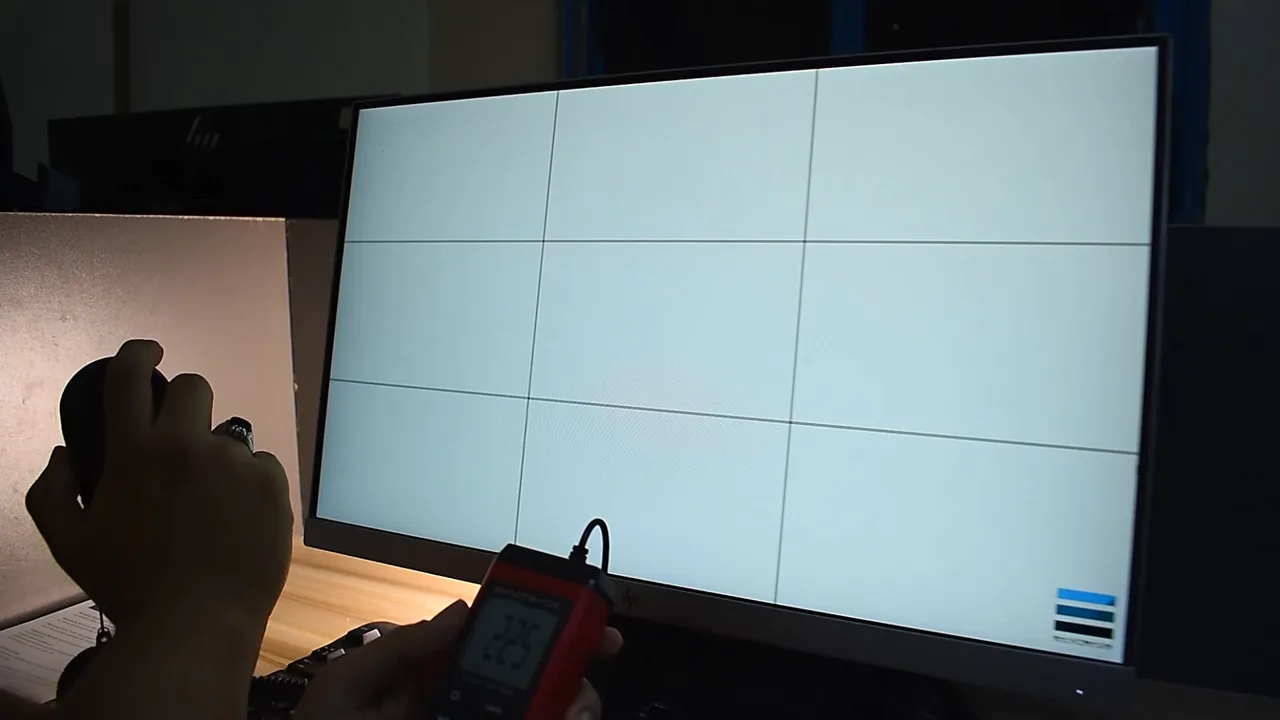
- A uniformity check before calibration. We measure brightness at 9 points across the screen, so you know what the monitor can and can’t do before you trust it.
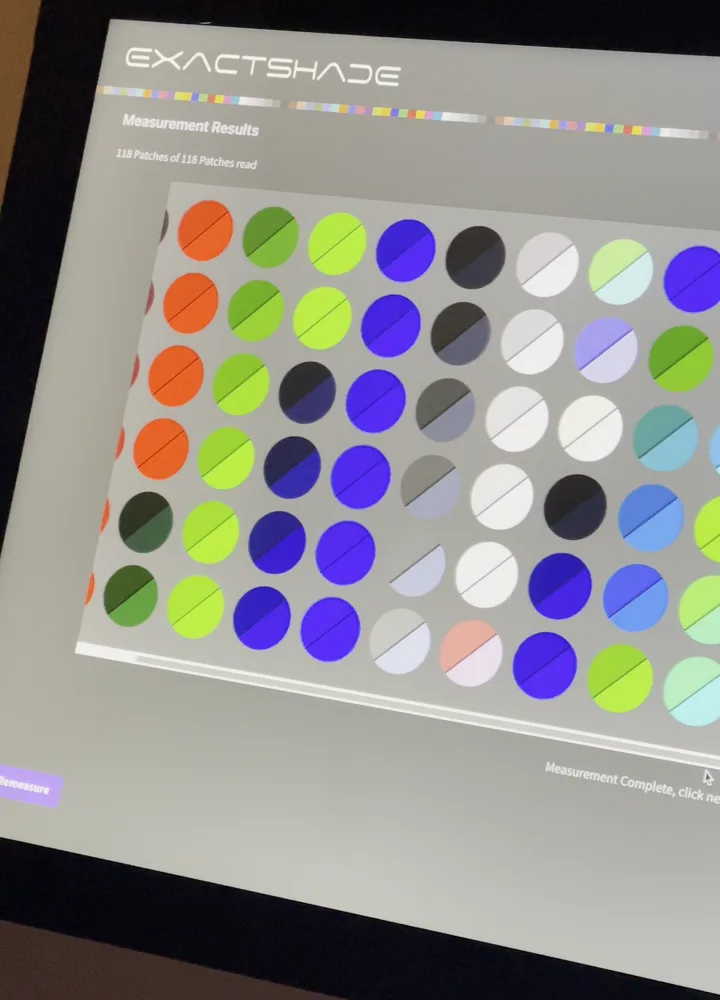
- 118 colors measured per monitor, and a custom profile built for that monitor.
- About 20–30 minutes per monitor, at your office, with no equipment to buy.
- A detailed report for every client, with ΔE (Delta E) figures free on request.
- One consistent result across your team: Windows PCs and monitors, laptops, iMacs and Apple displays. (We don’t calibrate phones.)
- A 1-month warranty on every calibration.
What it costs
Our prices are on the calibration pricing page. In short: the visit is free from 6 monitors, and at 10 monitors it’s EGP 550 per monitor one-time. Studios that want regular calibration can choose the Team Plan, with 2 visits a year.
A simple way to compare: count your monitors, multiply by the per-monitor price, and set that against a device plus the hours someone on your team would spend calibrating, checking and re-matching every monitor, plus replacing the device as it ages.
One client put the value this way:
“I feel like I upgraded my monitors at a very reasonable cost instead of paying a lot for new ones.”
Khaled A., Google review
Quick check: do you need a professional calibration?
Answer yes or no:
- Do you have more than one monitor that should show the same colors?
- Do clients judge your work by color (renders, branding, print)?
- Are you unsure whether your monitor has uneven brightness or a tint?
- Have you tried calibrating before and still don’t trust the result?
- Would learning calibration take time away from paid work?
- Do you need a written report of the result?
Two or more “yes” → a professional calibration will save you time, revisions and guesswork. Not sure? Ask us; the consultation is free.
When doing it yourself can work
To be fair: if you have a single monitor, you’re comfortable with technical settings, and you’re ready to invest real time in learning and recalibrating regularly, doing it yourself can work. Just go in knowing that the device is the easy part.
FAQ
Can I just download an ICC profile for my monitor model?
No. A profile is built for your specific monitor, in its current condition. Two monitors of the same model can differ, so a downloaded profile won’t correct yours.
How often should a monitor be recalibrated?
Monitors drift over time as the backlight ages, so calibration isn’t a one-time job. How often depends on how critical color is in your work. For studios, our Team Plan includes 2 visits a year.
Do I need to buy any equipment for the visit?
No. ExactShade is a calibration service. We bring professional devices chosen for each panel type to your office and handle the whole process.
Do you work outside Cairo and Giza?
Our on-site service covers Cairo and Giza.
Get it right the first time
Tell us how many monitors you have and what kind of work you do, and we’ll tell you honestly what you need.

